Data Cleaning Log: Template and Worked Example
Create a reproducible cleaning log that separates detected problems, investigation and justified corrections while preserving raw data.

Data cleaning is not making a dataset look tidy. It is investigating whether recorded values are plausible, internally consistent and suitable for the intended analysis—and documenting what you decide to do about problems.
A cleaning log explains the important changes between the received data and the analysis dataset. Without it, a corrected value and an invented value can look identical.
In this guide
Preserve the original
Keep an immutable copy of the source data under appropriate access controls. Perform cleaning through reproducible code where possible, producing a separate analysis-ready dataset.
Do not edit the only copy of a spreadsheet cell by cell. Even careful manual work becomes difficult to reproduce when nobody can establish which values changed, why or in what order.
Van den Broeck et al. Data Cleaning: Detecting, Diagnosing, and Editing Data Abnormalities. 2005. distinguishes detecting abnormalities, diagnosing them and making justified edits. That separation is useful because a suspicious value is not automatically an error.
Screen using explicit rules
Checks may include permitted ranges, duplicate identifiers, impossible date sequences, inconsistent skip patterns and unexpected category values. Tailor them to the instrument and study.
In a fictional follow-up dataset, a completion date precedes enrolment. The check flags the record. It does not tell you whether the enrolment date is wrong, the follow-up date is wrong or the field contains a different event than its label suggests.
Investigate before correcting
Compare the value with the source form or authorised query response. Record who resolved the query and what evidence supported the correction. If the correct value cannot be established, use a documented rule for unresolved errors rather than guessing.
| Log field | Fictional example |
|---|---|
| Issue ID | CLEAN-018 |
| Record and variable | P034; followup_date |
| Check triggered | Follow-up before enrolment |
| Investigation | Checked source form under approved access |
| Decision | Transcription error confirmed; corrected to source date |
| Evidence | Restricted query reference Q018 |
| Implementation | cleaning_v04, rule 12 |
The public or shared version of a log should not expose identifiers or sensitive source details. Keep restricted evidence where authorised reviewers can access it.
Treat outliers as questions
A high travel time could be a unit error, a data-entry mistake or a genuine long journey. Automatically deleting extreme observations can remove exactly the experiences the study needs to understand.
Check the units and context. If the value is plausible, retain it unless the analysis plan provides another justified treatment. Decisions such as transformation, robust modelling or sensitivity analysis belong in the analysis record, not a hidden effort to make results look normal.
Distinguish cleaning from recoding
Correcting a confirmed transcription error is different from combining categories or deriving a score. Both should be documented, but their rationales differ. Keep measurement changes and analytical choices visible.
If a category is merged because few observations fall within it, record the original categories and the rule. Do not present the merged variable as if it were collected that way.
Re-run checks after changes
A correction can create a new inconsistency or reveal a wider import problem. Regenerate the dataset from the preserved source, run checks again and compare counts with the previous version.
Before analysis, produce a short summary: issues identified, resolved, retained as valid and unresolved. Keep the detailed log and code available for audit.
Copy this cleaning-log header
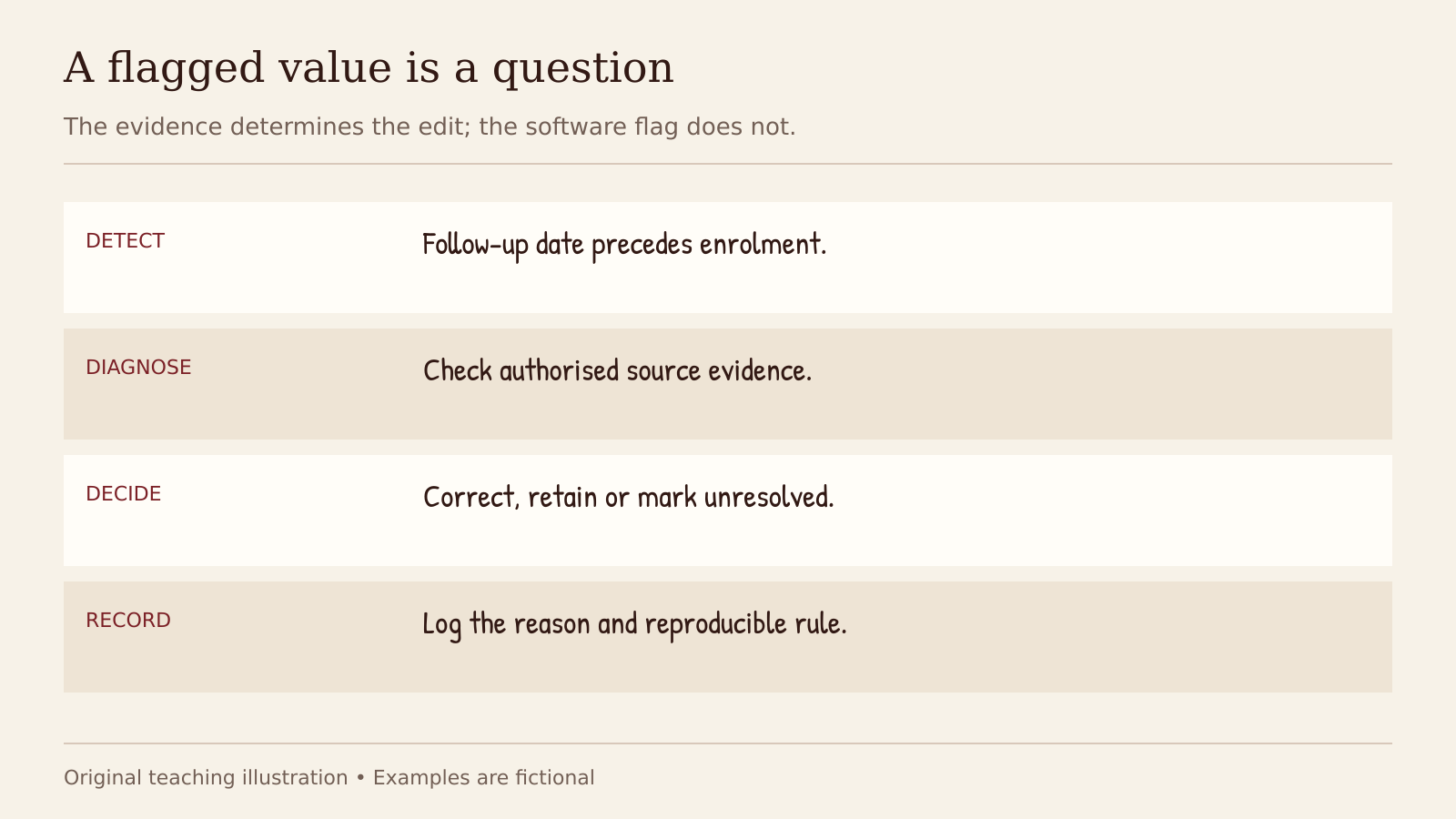
The evidence determines the edit; the software flag does not.
A reusable log should capture the original value, the decision and the implementation, while keeping identifiable details in restricted files.
issue_id | record_key | variable | original_value | check_triggered | evidence_reference | decision | revised_value | resolver | date | script_rule | status
For retained valid values, record “retain” rather than leaving the decision blank. For unresolved issues, document how they enter the analysis dataset. Re-running the script should reproduce the same changes; the log explains why those changes were justified.
A good cleaning process does not promise perfect data. It makes the path from observation to analysis inspectable. That is what allows a result to be challenged, reproduced and trusted appropriately. Explore the statistics and results guides for the next analytical decisions.
Continue your research
Three useful next steps for this topic.
Research notes, once a week
Practical research guidance, useful tools and funding opportunities in your inbox.